Shareable Link
Kindly follow the following steps for us to help you better.
Step 1:
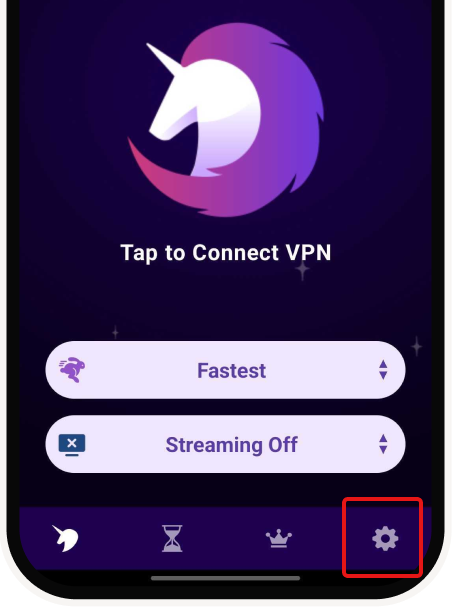
Tap on the Settings Icon.
Step 2:
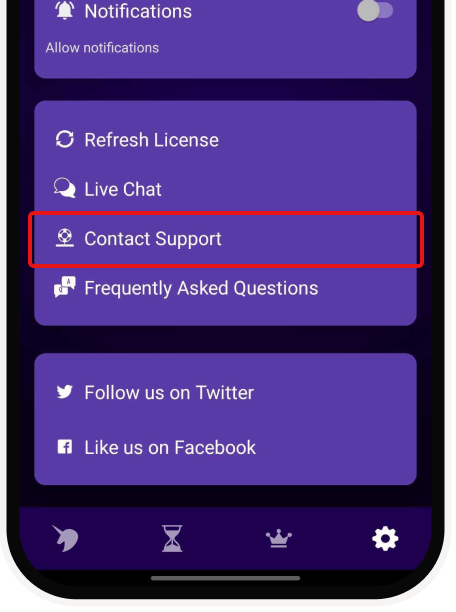
Scroll down and tap on "Contact Support".
Step 3:
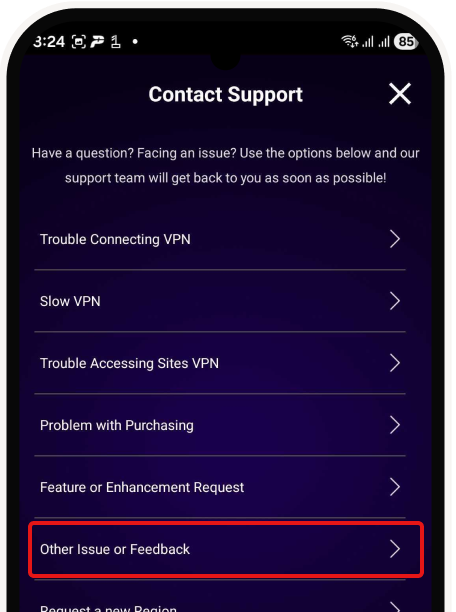
Choose the option "Other issue or feedback".
Step 4:
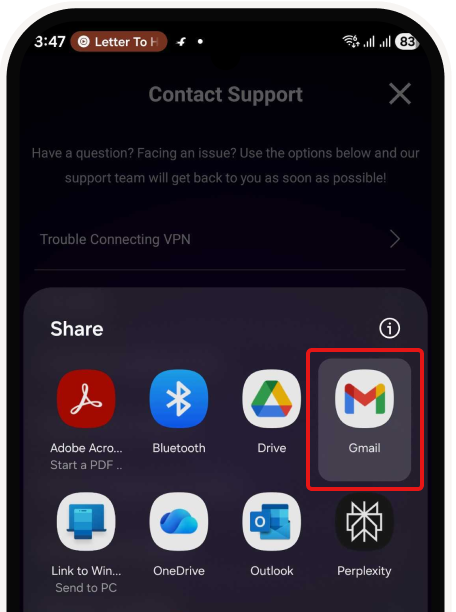
Choose your preferred email service.
Step 5:
Send the email, or share the screenshot, or copy paste the email body.
Step 1:
Tap on the Settings Icon.

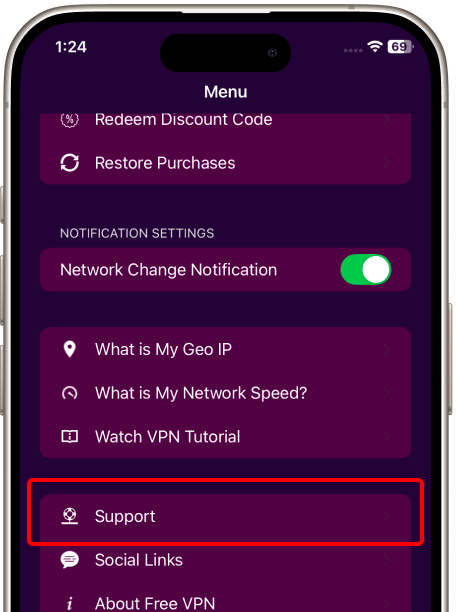
Step 2:
Scroll down till you find support.
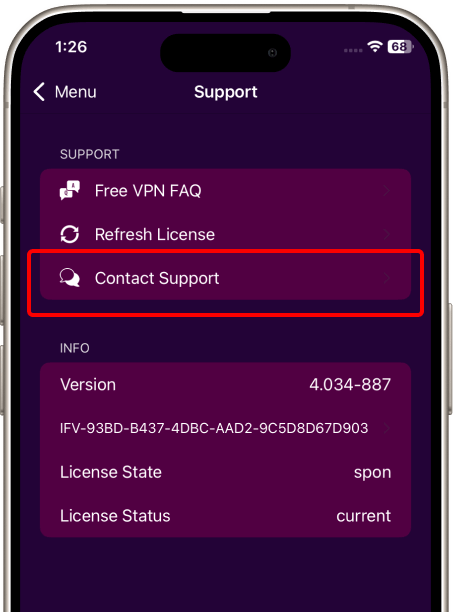
Step 3:
Tap on "Contact Support".
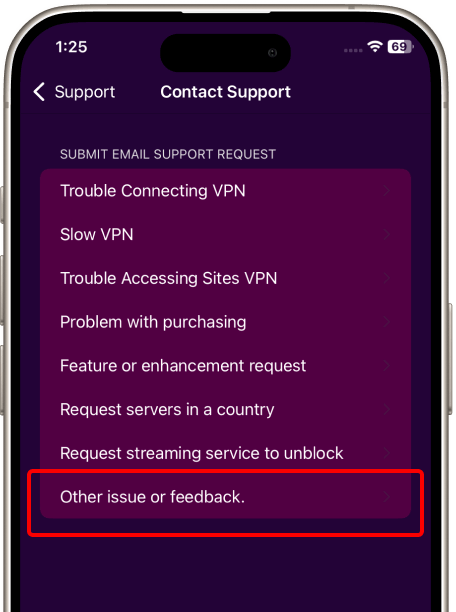
Step 4:
Choose the option "Other issue or feedback".
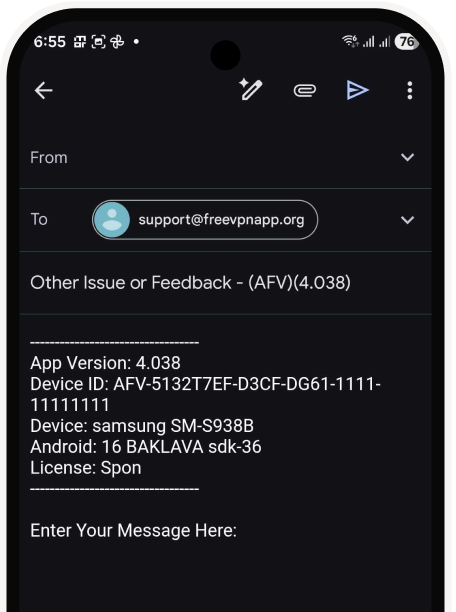
Step 5:
Send the email, or share the screenshot, or copy paste the email body.

Global Access
Connect to servers worldwide
Split Screen Browsing
Multitask with enhanced privacy
Private Browser
Built-in tracker and ad blocking
Smart Features
Auto-connect and intelligent routing